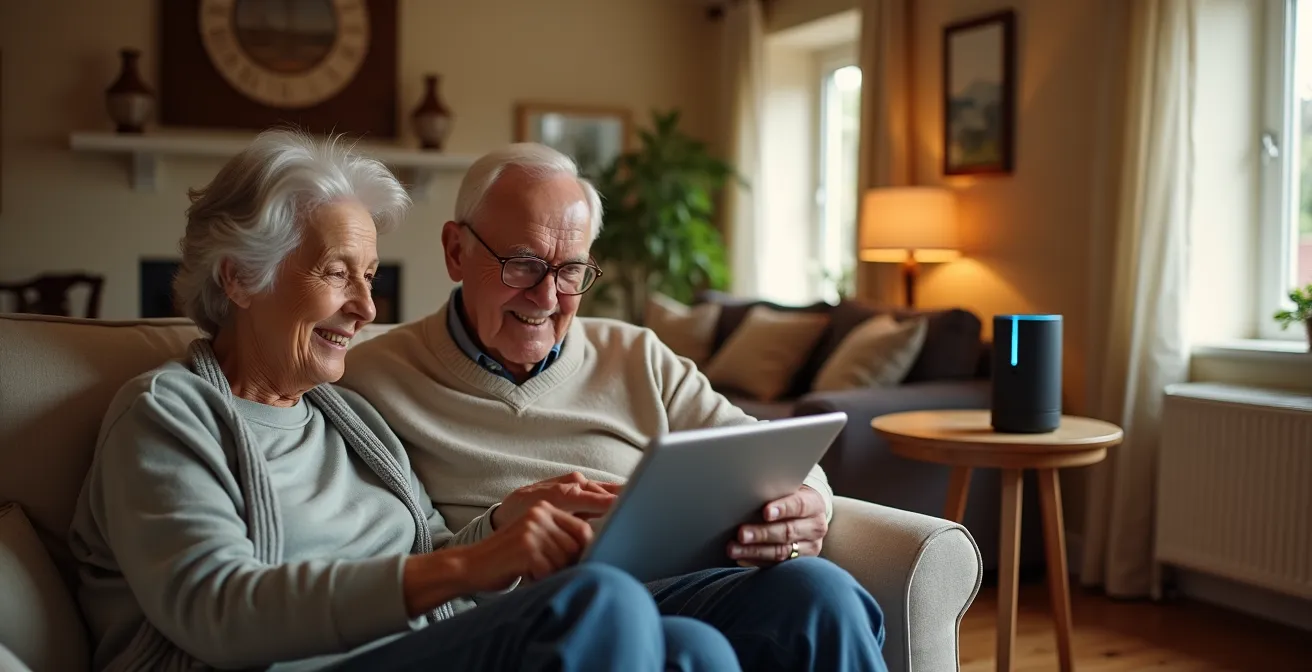
Successfully retrofitting a senior’s older home isn’t about buying the latest gadgets; it’s about integrating reliable, fail-safe systems that work with—not against—the home’s existing architecture and limitations.
- System reliability is paramount. A hybrid approach using hardwired connections for critical safety devices and Wi-Fi for convenience is the most robust solution.
- Technology must adapt to the user, not the other way around. Passive, automated systems and simple controls are superior to complex voice commands that can cause frustration.
Recommendation: Start with a professional assessment of the home’s infrastructure and the senior’s specific needs before purchasing any technology.
Your parent’s home is their castle, a place filled with decades of memories. But as they age, the familiar comfort of that 50-year-old house can present new challenges. You’ve heard that “smart home technology” can help them live independently for longer, and your first instinct might be to order a voice assistant and a box of smart plugs. This is a common starting point, but for an older property with outdated wiring and narrow hallways, it’s a strategy destined for failure.
The conversation around aging in place often focuses on the shiny new devices. However, the real key to success lies in a more fundamental concept: the retrofit. It’s not about layering new tech on top of old problems. It’s about a thoughtful integration that anticipates points of failure—from an unreliable Wi-Fi signal to the progression of a health condition. The most effective assistive home isn’t the one with the most gadgets, but the one with the most reliable and unobtrusive systems.
This guide moves beyond the typical product recommendations. We will focus on the strategic decisions that make technology a true ally in an older home. We will explore how to build a foundation of reliability, design systems that adapt to changing needs, and avoid the common renovation mistakes that can inadvertently create new barriers. It’s time to shift the thinking from buying technology to building a supportive environment.
This article will guide you through the essential considerations for retrofitting an older home with assistive technology. From foundational network decisions to specific solutions for common challenges, you’ll gain the strategic insight needed to create a truly safe and independent living space.
Summary: Retrofitting Older Homes with Assistive Technology
- Why Automated Lighting Prevents Nighttime Confusion in Dementia?
- How to Retrofit Smart Locks for Caregiver Access?
- Wi-Fi Systems vs. Hardwired Safety Hubs: Which Is More Reliable?
- The Error of Relying on Tech That Requires Complex Voice Commands
- When to Install Sensors Before Dementia Progresses?
- The Renovation Mistake That Leaves Doorways Too Narrow for Wheelchairs
- How to Share Data Automatically With Family Members?
- Setting Up Voice-Activated Home Automation for Speech-Impaired Seniors
Why Automated Lighting Prevents Nighttime Confusion in Dementia?
For a person living with dementia, the middle of the night can be a disorienting and hazardous time. A simple trip to the bathroom becomes a high-risk event, fraught with the potential for falls and increased anxiety. This is where automated lighting moves from a convenience to a critical safety feature. The goal is not just to illuminate a space, but to do so in a way that supports the brain’s natural rhythms and minimizes confusion.
The phenomenon known as “sundowning,” an increase in agitation and confusion in the late afternoon and evening, is closely linked to disruptions in the circadian rhythm. Smart lighting can be programmed to counteract this. By automatically shifting from a cool, blue-toned light in the morning (mimicking daylight) to a warm, amber tone in the evening, the system helps regulate the body’s internal clock. More importantly, motion-activated lights that fade on slowly create a gentle, illuminated pathway from the bedroom to the bathroom, preventing the startling effect of a sudden, bright overhead light.
This isn’t about simply placing a nightlight in an outlet. It’s about creating an intelligent, responsive environment. A proper retrofit involves designing specific “light paths” that illuminate only the necessary route, reducing visual clutter and guiding the person without overwhelming them. It’s a passive system that works in the background, enhancing safety without requiring any action from the senior.
Action Plan: Progressive Lighting Implementation Strategy
- Install motion-activated pathway lights between bedroom and bathroom with warm amber tones for nighttime navigation.
- Program smart bulbs to gradually shift from cool blue-white (5000K) in the morning to warm amber (2700K) in the evening to support circadian rhythms.
- Set lights to fade on/off over 30-60 seconds rather than instant switching to prevent startling.
- Create sensor-activated ‘light paths’ that illuminate only necessary routes, minimizing visual clutter.
- Add non-digital backup solutions like glow-in-the-dark tape along baseboards for power outage safety.
How to Retrofit Smart Locks for Caregiver Access?
The old system of hiding a key under a flowerpot is a relic of a less secure time. For families managing care for an aging parent, the revolving door of caregivers, family members, and service providers demands a more sophisticated solution. A smart lock retrofit is not just about keyless entry; it’s about creating a tiered and auditable access system that provides security for the resident and peace of mind for the family.
The core benefit lies in the ability to grant different levels of access to different people. For instance, a primary family member might have a permanent code, a visiting nurse could have a code that only works during their scheduled weekday hours, and a delivery person could be given a one-time use code. This eliminates the risk of lost or copied physical keys and provides a clear digital log of who enters and when. This data itself is a powerful safety tool, as explained by Keith Brandon, Divisional VP at Kwikset for Locksmith Ledger:
Caregivers need to configure these communications around the specific information they want to get. For example, they need to monitor who is locking or unlocking a door. If a lock has not been opened for a day or two, they need to recognize this as a red flag.
– Keith Brandon, Locksmith Ledger – Divisional VP at Kwikset
Choosing the right type of lock involves considering the senior’s own abilities and comfort level. A keypad may be great for someone with a good memory, while a simple key fob is better for an individual with limited dexterity. The key is to match the technology to the user, always ensuring a non-tech backup exists.
| Access Method | Best For | Pros | Cons |
|---|---|---|---|
| Keypad | Seniors with good memory | No physical key needed, codes can be shared | May forget code, visible keypad can cause frustration |
| Fingerprint | Seniors with stable hand control | Quick one-touch access, no codes to remember | May not read well with dry/aged skin |
| Key Fob | Seniors with limited dexterity | Simple tap or proximity unlock | Can be lost, needs battery replacement |
| Auto-unlock (Geofencing) | Tech-comfortable seniors | Completely hands-free | Requires smartphone, privacy concerns |
| Hidden Physical Key | All users (backup) | Always works, no tech required | Can be lost, less secure if location discovered |
Wi-Fi Systems vs. Hardwired Safety Hubs: Which Is More Reliable?
In a modern home, we take reliable Wi-Fi for granted. But in a 50-year-old house with thick plaster walls and potential electrical interference, a purely wireless smart home system is a gamble you can’t afford to take. When it comes to critical safety devices—like fall detection sensors or emergency call buttons—reliability is not negotiable. This is the central argument for a hybrid network approach in any serious retrofit.
This strategy separates devices into two categories: convenience and critical. Convenience devices like smart speakers, automated blinds, or thermostats can operate perfectly well on a modern Wi-Fi mesh system, which uses multiple nodes to spread a strong signal throughout the house. However, critical safety devices should be connected directly to a central hub via hardwired connections (like Ethernet cables). This ensures they remain operational even if the Wi-Fi goes down, a router needs to be rebooted, or a new piece of furniture creates a wireless dead spot.

This hybrid model isn’t just theoretical. A 12-week study involving seniors aged 68-90 demonstrated its effectiveness. The program, which used both Wi-Fi and hardwired connections, found that participants’ quality of life significantly increased, particularly in feelings of “achieving in life” and “future security.” The robust, hybrid system provided peace of mind, knowing that the most important safety features were always online, regardless of internet connectivity issues.
The Error of Relying on Tech That Requires Complex Voice Commands
Voice assistants are marketed as the pinnacle of hands-free convenience. But for many seniors, especially those with cognitive decline, soft-spoken voices, or speech impediments, they can become a source of profound frustration. The error is not in using voice control, but in relying on it exclusively. A well-designed system must provide simple, non-verbal alternatives for essential tasks.
The desire for this technology is there. Research from AARP shows that while about 50% of adults aged 50 and over are interested in smart home tech, major barriers include usability issues and the fear of not being able to figure it out. Shouting a precise, multi-word command at an unresponsive speaker perfectly embodies this fear. When a senior just wants to turn on a light, being told “I’m sorry, I don’t understand” is not just unhelpful; it’s demoralizing.
The solution is to create a system of passive and single-action controls. These are far more reliable and intuitive:
- Passive Sensors: Motion sensors that automatically turn lights on when someone enters a room and off when they leave require no user interaction at all. They just work.
- Smart Buttons: A large, physical button placed on a nightstand can be programmed to run a “Goodnight” routine—locking the doors, turning off all lights, and adjusting the thermostat with a single press.
- Simplified Routines: Voice commands can still be useful if they are simplified. A routine can be programmed so that saying the single word “Bedtime” triggers the same multi-step sequence as the smart button.
This approach prioritizes dignity and reduces cognitive load, making the technology a help, not a hindrance.
When to Install Sensors Before Dementia Progresses?
The most common mistake families make with monitoring technology is waiting too long to install it. They wait for a crisis—a fall, a wandering incident, a missed medication—before taking action. The most effective and respectful approach is to implement a discreet sensor system early, before it’s critically needed, and to do so with professional guidance.
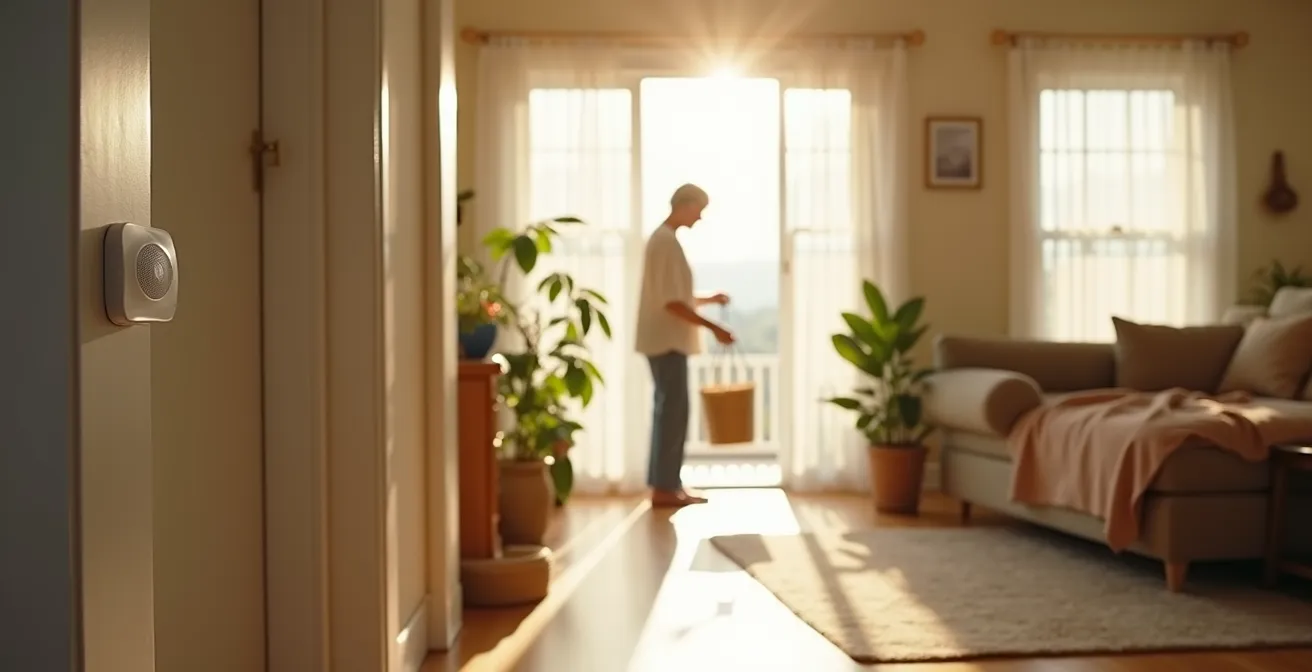
Installing sensors in the early stages of cognitive decline serves two purposes. First, it allows the senior to become accustomed to the technology as a normal part of their environment while they can still understand its purpose and consent to its use. Introducing a suite of sensors after a person has become more confused or paranoid can feel invasive and frightening. Second, it establishes a crucial baseline of their normal daily routines. This data becomes invaluable for detecting subtle but significant changes over time, which may be the first indicators of a progressing condition.
This process should not be a DIY project based on a shopping list. It requires a nuanced, staged strategy best developed with an expert. As noted in professional guidelines:
An occupational therapist can assess the individual’s current and projected needs and recommend a specific, staged sensor strategy that aligns with the progression of the disease, moving beyond a one-size-fits-all tech solution.
– Healthcare Integration Team, Smart Home Technology Assessment Guidelines
An occupational therapist (OT) can help identify the right technology for the right time, starting with simple door sensors or bed-presence sensors and only adding more as needs evolve. This proactive, professional approach ensures the technology serves as a supportive tool that preserves dignity, rather than a reactive measure that feels like surveillance.
The Renovation Mistake That Leaves Doorways Too Narrow for Wheelchairs
When retrofitting an older home, the focus is often on high-tech additions. However, one of the most critical and frequently overlooked aspects is low-tech: the physical architecture of the house itself. The single biggest renovation mistake is failing to plan for future mobility needs, most notably by leaving doorways too narrow for a wheelchair or walker to pass through comfortably.
Standard interior doorways in homes built 50+ years ago are often 28 or even 24 inches wide. A standard wheelchair requires a minimum clear opening of 32 inches. A person may not need a wheelchair today, but a future surgery, illness, or fall could make one a sudden necessity. Discovering at that moment that they cannot access their own bathroom or bedroom is a devastating blow to their independence and can force an unwanted move to a care facility.
Addressing this during any renovation project, even a minor one, is a crucial element of future-proofing. Widening a doorway can seem like a major construction project, but there are several clever retrofit solutions that can increase clearance without requiring extensive demolition. A thoughtful plan considers not just the width of the door itself, but the clear space needed on either side for maneuvering.
Checklist: Retrofit Solutions for Narrow Doorways
- Install offset (swing-clear) hinges to gain up to 2 inches of clearance without demolition by swinging the door completely clear of the frame.
- Remove bulky door stops from the frame and install floor-mounted alternatives to maximize the usable width.
- Replace standard swing doors with pocket doors or barn doors where the adjacent wall space allows, completely eliminating the door’s “swing” area.
- Ensure a minimum of 5 feet of clear floor space is available on both sides of a primary doorway to allow for a wheelchair to approach and turn.
- Check that hallways leading to essential rooms (like bathrooms) are at least 42 inches wide to accommodate 90-degree turns in a wheelchair.
Key takeaways
- System reliability is non-negotiable; a hybrid hardwired/Wi-Fi network is the gold standard for older homes.
- The best technology is passive and automated, reducing cognitive load and eliminating the need for complex commands.
- Future-proof by addressing architectural barriers like narrow doorways and installing sensor systems before a crisis occurs.
How to Share Data Automatically With Family Members?
One of the greatest benefits of a smart home retrofit is the ability for family members to stay connected and informed, providing peace of mind without being intrusive. The goal isn’t to create a surveillance state, but to establish a system of meaningful, tiered alerts that deliver the right information to the right person at the right time. Overwhelming a caregiver with a constant stream of raw data is counterproductive; a successful system translates data into simple, actionable insights.
A well-designed system might send a non-urgent text to a primary caregiver if the medicine cabinet hasn’t been opened by 10 AM. However, a critical alert—like a fall detected by a sensor or a press of a panic button—could trigger simultaneous notifications to multiple family members and even emergency services. The focus is on exception-based reporting. Instead of a detailed log, a family member might receive a simple, reassuring summary: “Mom was active today.” This approach respects privacy while ensuring that important deviations from routine are never missed.
The power of this data lies in its ability to tell a human story, offering insights that might otherwise go unnoticed. Andy Miller, a Senior Vice President at AARP Innovation Labs, provides a powerful example of what this looks like in practice:
Oh yeah, yesterday was a tough day for Mom. She didn’t get out of bed at 8 like she normally does. She got out of bed at 10:30. She went to the bathroom six times yesterday when she normally goes three times. The TV was on for nine hours yesterday.
– Andy Miller, AARP Innovation Labs Senior Vice President
This isn’t just data; it’s a narrative. It’s a collection of subtle clues that, taken together, can signal an emerging health issue, a bout of depression, or simply a bad day, allowing the family to respond with care and empathy, not just alarm.
Setting Up Voice-Activated Home Automation for Speech-Impaired Seniors
While over-reliance on voice commands is a mistake, abandoning the technology entirely is also a missed opportunity, especially for individuals with mobility challenges but clear cognitive function. For seniors with speech impairments—whether from a stroke, Parkinson’s disease, or other conditions—the standard setup is often unusable. The key to success is a multi-modal approach that combines simplified voice commands with reliable physical and visual alternatives.
Emerging research shows that even for those with communication difficulties, voice interface technology can improve technology adoption when it is part of a larger, more flexible system. The technology needs to be trained to recognize specific speech patterns, and commands must be simplified. Instead of requiring a full sentence, the system can be programmed to respond to a single, clear word. For example, when a motion sensor detects the user is in the living room, simply saying “Light” could be enough to trigger the lights in that specific room.
However, there will be days when speech is too difficult. On those days, a robust system of alternatives is essential for maintaining independence. This is where the retrofit-first mindset truly shines, building in layers of control so there is never a single point of failure. These alternatives should be designed for simplicity and accessibility:
- Large Smart Buttons: Deploy large, color-coded buttons at wheelchair height that can trigger pre-programmed scenes like “Watch TV” or “Bedtime” with a single press.
- Gesture Control: Install simple gesture-control cameras that can recognize a hand wave to turn lights on or off.
- Icon-Based Tablets: Create a simple interface on a tablet with large, clear icons for each home function, providing a clear visual way to control the environment.
This layered approach ensures that the senior always has a reliable way to interact with their home, preserving their autonomy and dignity regardless of their verbal abilities on any given day.
Ultimately, a successful smart home retrofit is an exercise in thoughtful planning and empathy. By prioritizing reliability, embracing simplicity, and planning for the architectural realities of an older home, you can create an environment that truly supports a senior’s independence. The next logical step is to move from theory to practice by initiating a professional assessment of your parent’s home to build a customized, strategic plan.